Plugins
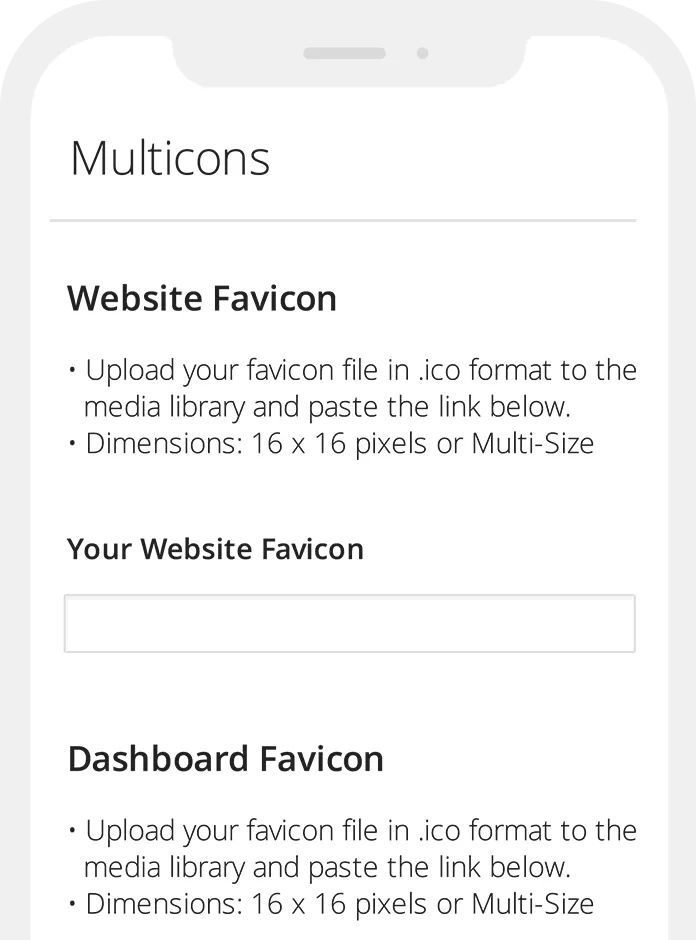
Multicons
Multicons is a multi-favicon code generator which automatically inserts the necessary meta tags for both favicons (site-wide and/or admin) and Apple Touch icons.
Not sure what a favicon is? "A favicon (short for favorites icon), also known as a shortcut icon, website icon, URL icon, or bookmark icon is a 16×16 or 32×32 pixel square icon associated with a particular website or webpage. A web designer can create such an icon and install it into a website (or webpage) by several means, and most graphical web browsers will then make use of it. Browsers that provide favicon support typically display a page's favicon in the browser's address bar...
IE6 Upgrade Option
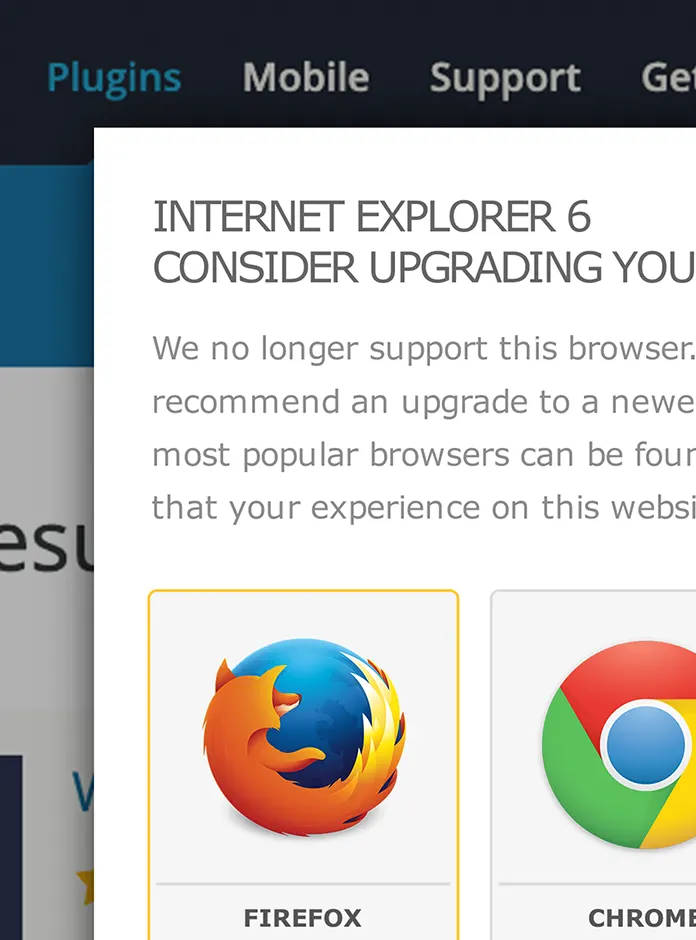
IE6 Upgrade Option utilizes the 7.9kb script created by mihai.ile: http://code.google.com/p/ie6-upgrade-warning/ as a WordPress plugin. I preferred this script over the many alternatives due to the fact that the message is displayed with a Lightbox effect and not placed at the top of the code forcing content down and drastically altering the page appearance. This plugin displays a warning message, simply and politely informing the user that their browser is out of date and providing links to download newer browsers. Links included are: IE8, Firefox, Opera, Safari, and Chrome.
The web page remains visible through a transparent Lightbox effect...
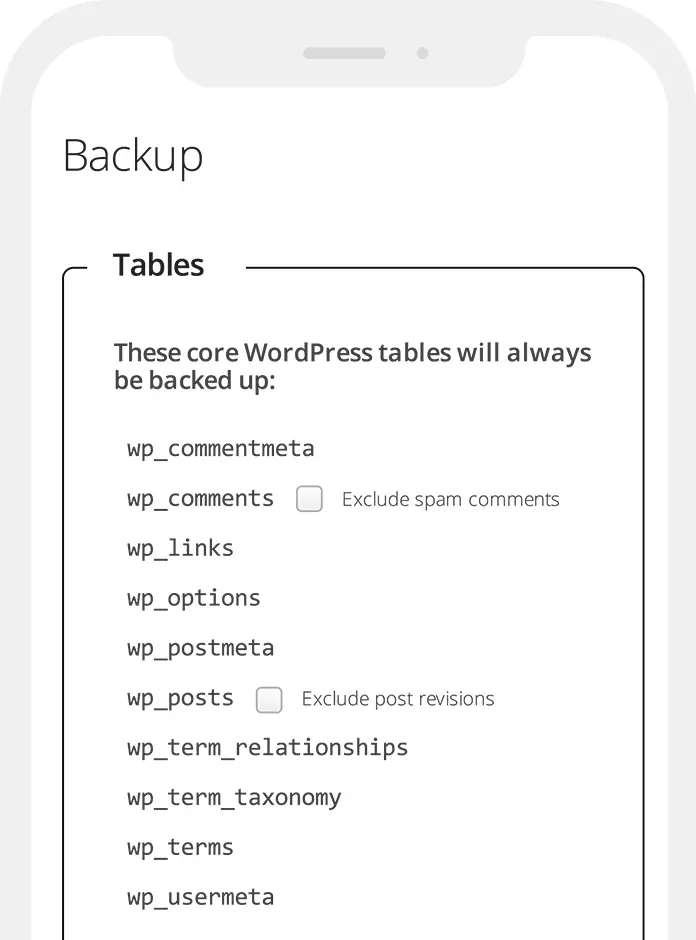
WordPress Database Backup: Quick Fix
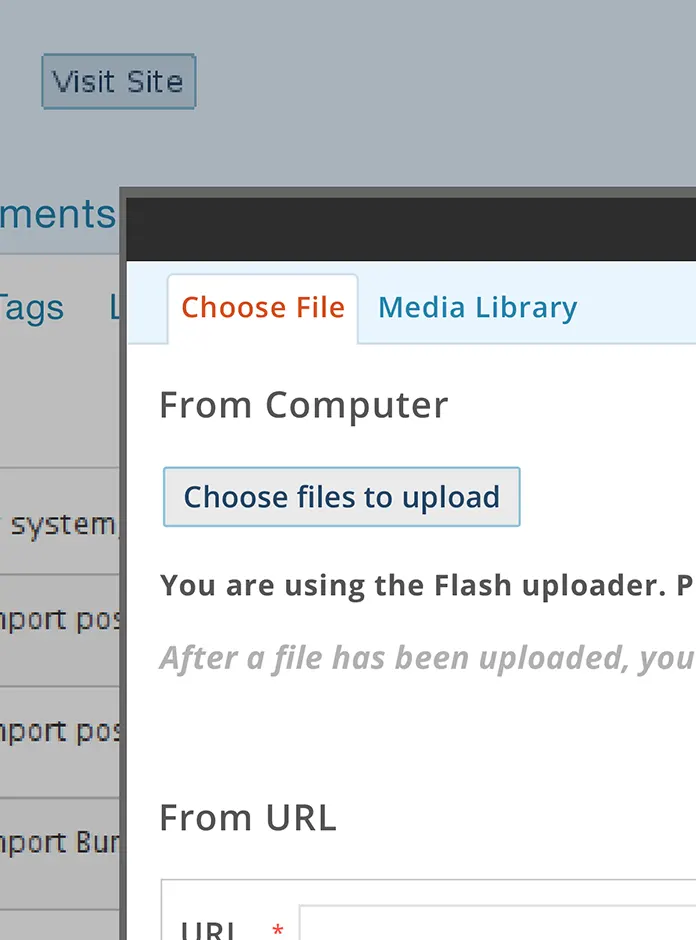
The WordPress Plugin: WordPress Database Backup by Austin Matzko is one of the more intuitive backup plugins currently available and with no stern warnings to scare off the faint of heart it has held its own as a very effective and useful tool. Recently though it has come to our attention that a small issue exists for some users of WordPress 2.8 - 1.9.1 wherein the navigation menu has simply disappeared. This applies to WP-DB-Backup Version 2.2.2. The plugin performs correctly if set prior to an upgrade with scheduled emails arriving on time but with no easy way to make changes or force a manual backup. It was decided that our Clients needed immediate...
PictureBook
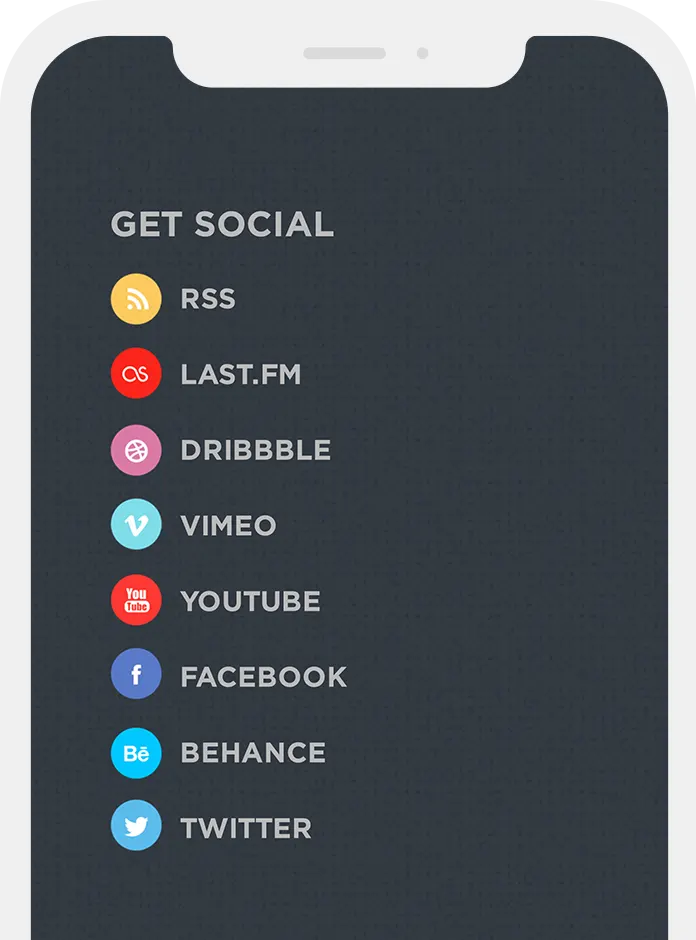
While doing our usual run of site updates and code adjustments, we ran into a small issue: how to display WordPress bookmarks with both text and images. Utilizing the 'Links' tab ( WordPress 2.7 + up ), it is possible to display them as either a list of text links or a list of image links but not both at the same time.
Several hours of research reading entries by angry WordPress users in the Support forum confident that bookmarks should only be allowed as text or images, it was clear this issue needed a resolution for the better. Why not have it both ways.
Enter PictureBook, a plugin that allows for the combination of both text and images...
BookMaster
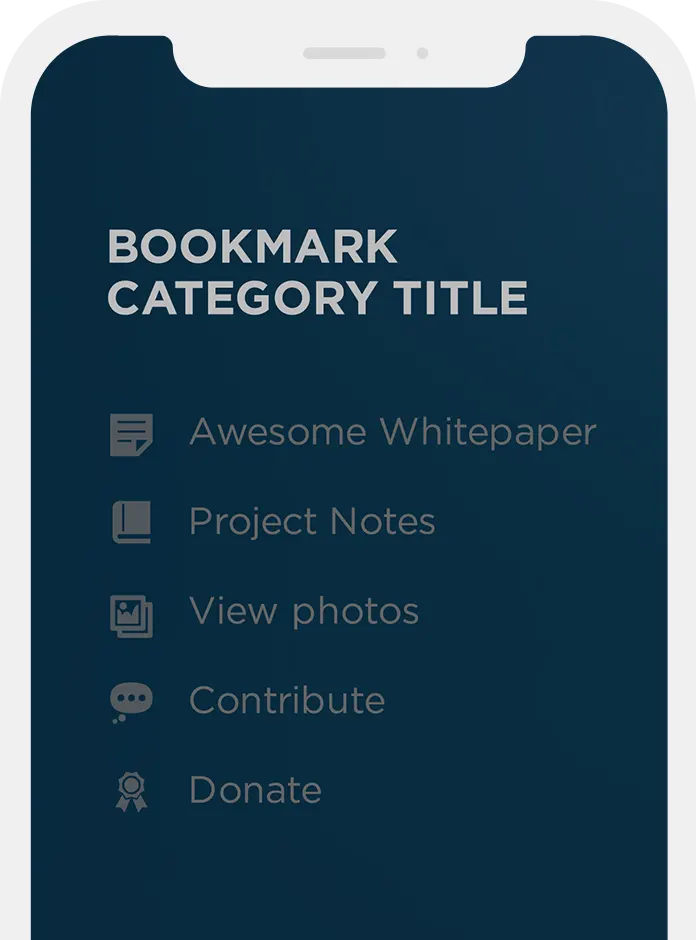
BookMaster is our answer to what we feel is an odd issue with the WordPress wp_list_bookmarks tag. For those that have exercised the use of wp_list_bookmarks, you are well aware that it is not possible to use the bookmark category title alone without calling on the bookmarks themselves. This is, of course, with the exception of excluding all bookmark categories and this can be painful if there are a lot of them.
With the introduction of BookMaster, we have solved this small issue. The concept is to allow for the use of the bookmark category title anywhere within a page or post a template without being forced to list any of the bookmarks themselves....