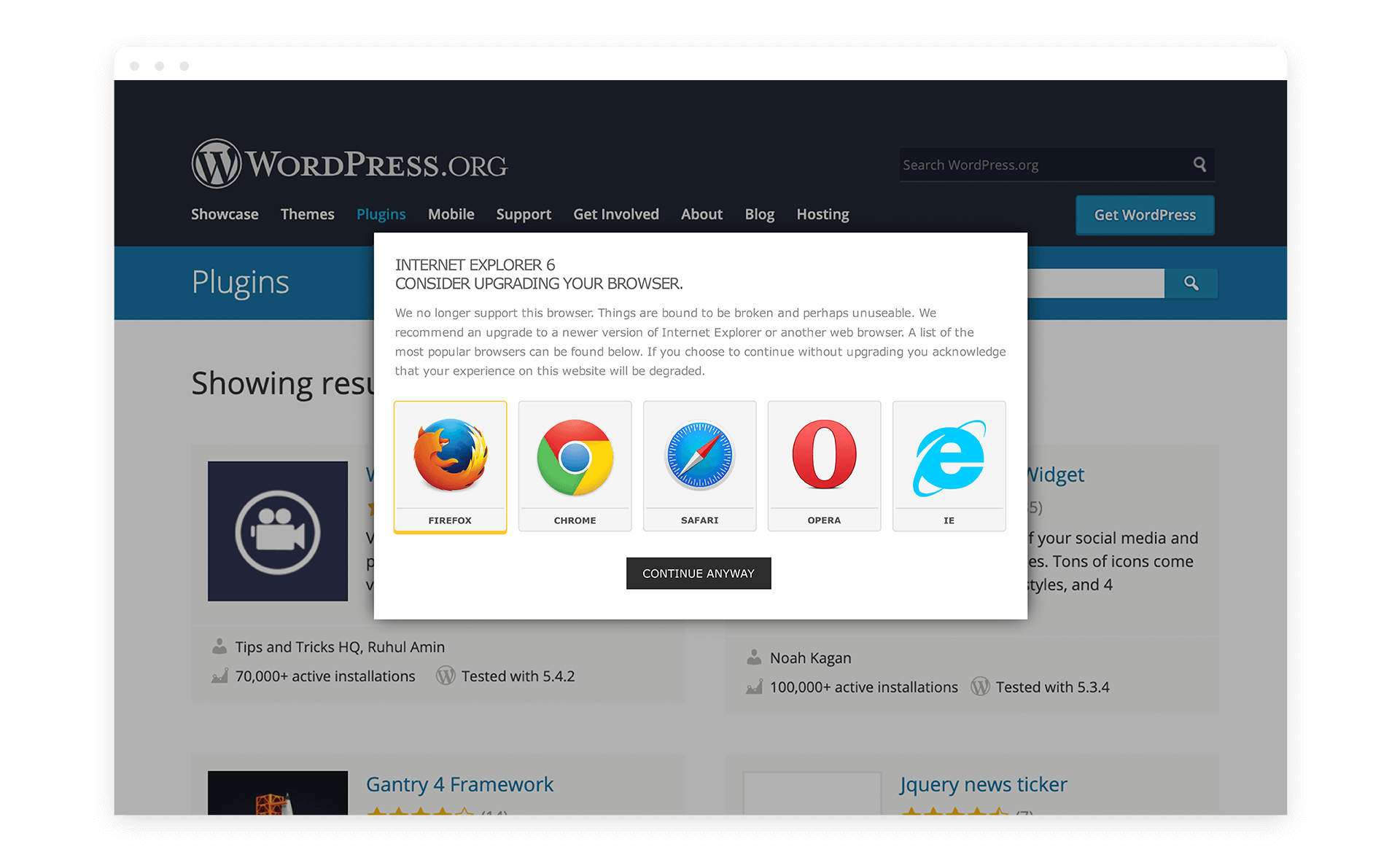
IE6 Upgrade Option utilizes the 25K script created by Free the Foxes (FTF) as a WordPress plugin. Originally, this plugin used a smaller 7K script, but its limits had been met in terms of language support, ease-of-use, and options for using the warning messages on browsers other than IE6 (refer to the ie6-upgrade-option.php file for instructions on multiple browser usages).
The warning message is displayed using a lightbox effect that hovers over the page content. The idea is to display a warning message, simply and politely, informing the user that their browser is out of date while providing links for downloading newer, more optimal browser choices. Optional browser links included are IE9, Firefox, Opera, Safari, and Chrome. While this plugin was originally intended for use with IE6, it has now been expanded, due to popular demand, to include a warning message capable of being displayed in any browser. Don't like Firefox? Simply adjust the FTF rating and ask your users to use IE8. This is not limited to a single browser either; use the multi-browser version to display the warning in IE6, IE7, and Chrome simultaneously, for example.
The background web page will remain visible through the transparent lightbox while the user is given the option of closing the window and agreeing that their experience may be severely degraded or downloading a new browser. The JavaScript then installs a cookie preventing the window from appearing again. The script is loaded in the site footer in two ways: selectively (as in the case of the basic setup) or permanently (if desiring to use this for browsers other than IE6).
To change the text to reflect the language of your choice, simply open the "lang" folder and create your own .json file to replace the default message, then be sure to add your new language code to the ie6-upgrade-option.php file. Current translations include English, French, German, Spanish, Hungarian, Swedish, Brazilian Portuguese, Dutch, and Norwegian Bokmâl.